Last Tuesday I re-listened to a 47-minute client call to check one number. It was in there somewhere, and I had no notes — I was too busy talking to the client. That was the day I stopped trusting my memory.
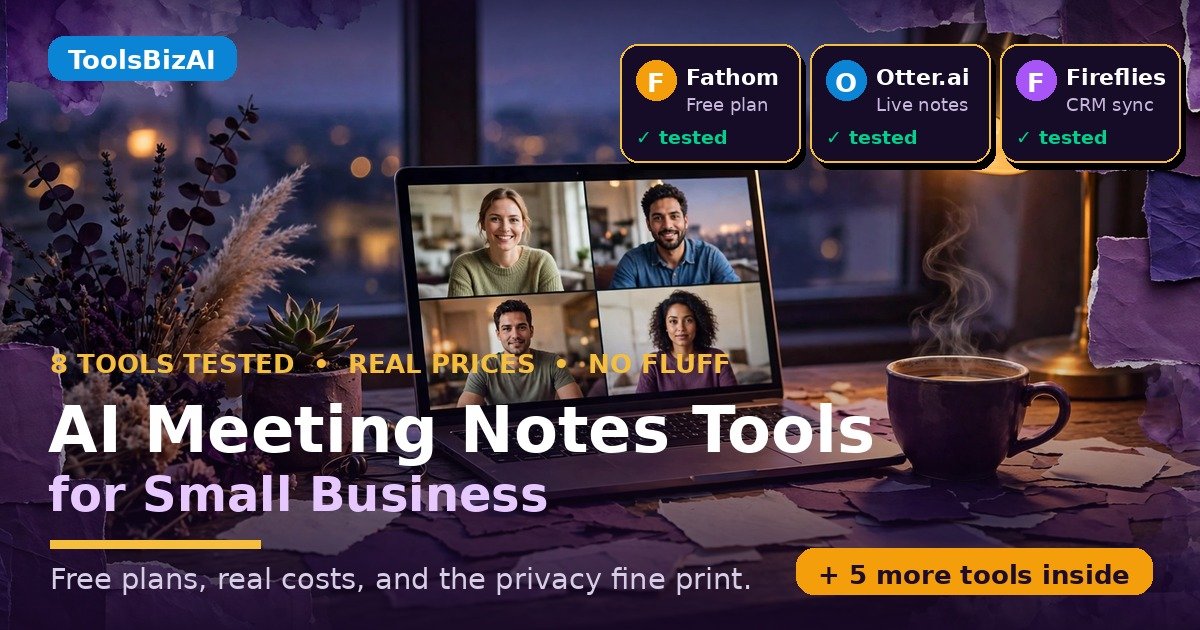
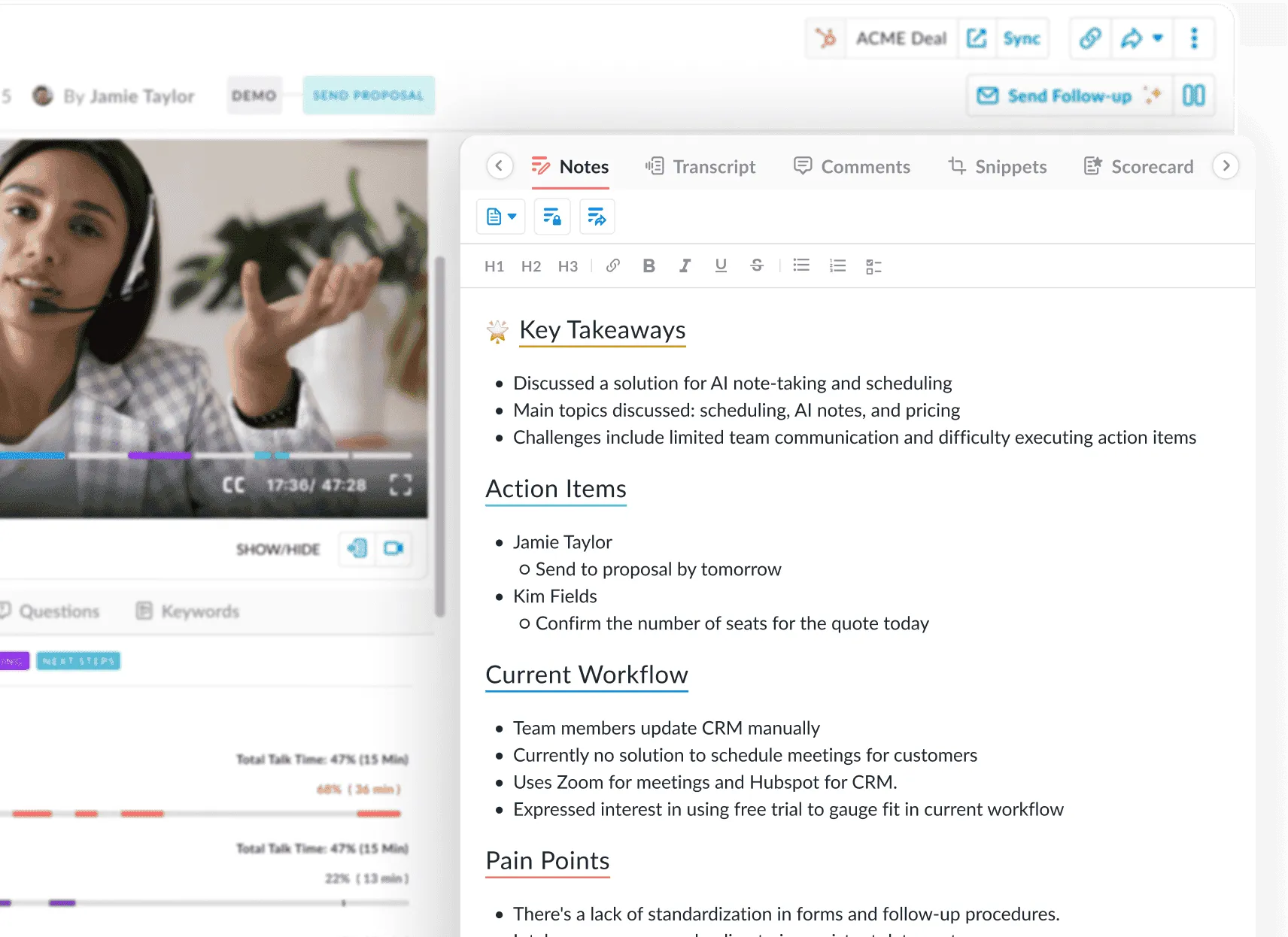
AI meeting notes tools for small business are the fix: software that joins your calls, transcribes the conversation, and hands you a summary with decisions and to-dos — and for a 5-person team, Fathom’s free plan is the best deal, Otter Pro the cheapest paid plan at $41.65 a month. I opened every official pricing page on 15 November 2026 and priced each for a 5-person team doing 10 hours of meetings a month.
In this guide: a head-to-head table, the real 5-person bill, each free plan’s real limits, an honest accuracy section, and a privacy checklist. AI summaries are suddenly everywhere — Google started rolling out AI overviews for long Gmail threads on 10 November. Meeting notes are the same shift, pointed at your calendar.
TL;DR — the verdicts up front
- Start here for free: Fathom — unlimited recordings at $0; advanced summaries stop after 5 a month.
- Cheapest real paid plan: Otter Pro, $41.65 a month for 5 people on annual billing, if calls stay under 90 minutes.
- Best for sales teams: Fireflies Pro, $50 a month for 5 seats, deepest CRM sync here.
- Best if clients hate bots: Granola — nothing joins the call. Free, 30-day history limit.
- Skip: Avoma. Good tool, wrong price bracket — $95 a month before add-ons.
How we tested (and what we didn’t do)
I read each tool’s official website, pricing page and security page myself on 15 November 2026. Every price here comes from those pages. I did not run paid trials of all eight tools, and I did not feed the same call through each one to measure accuracy — I’m not inventing scores I didn’t measure. Accuracy figures below are labelled as theirs.
The 8 tools at a glance
| Tool | Free plan | Paid from (annual) | Best for |
|---|---|---|---|
| Fathom | Unlimited; 5 advanced summaries/mo | $16/user/mo (Premium) | Most small businesses |
| Otter.ai | 300 min/mo; 30 min/call | $8.33/user/mo (Pro) | Live notes, in person |
| Fireflies.ai | Unlimited; 400 min storage/team | $10/seat/mo (Pro) | Sales, CRM sync |
| Notta | 120 min/mo; 3 min/recording | $8.17/mo (Pro, 1 seat) | Solo, 58 languages |
| Granola | Unlimited; 30-day history | $14/user/mo (Business) | Bot-free notes |
| MeetGeek | 3 hrs/mo; 3-mo retention | $9.99/user/mo (Pro) | Budget, automation |
| tl;dv | Unlimited; AI notes on 10 meetings ever | $18/seat/mo (Pro) | Clips, EU hosting |
| Avoma | No free plan; 14-day trial | $19/seat/mo (Startup) | Sales coaching |

Fathom — the free plan that embarrasses the paid ones
Verdict: start here. Worth it for almost every small business I can think of.
Fathom‘s free plan gives you more for $0 than any other tool here: unlimited recordings, transcription and summaries for $0. Advanced summaries cover only your first 5 calls a month, and AI action items need Premium. On Fathom’s pricing page, Premium is $20 a month ($16 annually), Team $19 ($15 annually, 2-user minimum), Business $34 ($25 annually). Team is the sensible buy: $75 a month for 5 people.

Otter.ai — the old hand, still the cheapest paid seat
Verdict: worth it — the cheapest honest paid plan, if your team is small and your calls are short.
Otter.ai has done this longest, and it shows: words appear as people speak. Free Basic gives 300 minutes a month with a hard 30-minute cap per call — treat it as a trial. Otter’s pricing page lists Pro at $16.99 a user a month, or $8.33 annually, with 1,200 minutes a month and 90 minutes per meeting, capped at 5 users. For our team, Pro is $41.65 a month. Privacy note: Otter trains on de-identified audio; in August 2026 a judge let wiretap claims against it go forward.
Fireflies.ai — the sales team’s notetaker
Verdict: worth it if you live in your CRM; skip it if you just want notes.
Fireflies.ai plugs into everything: Salesforce, HubSpot, 50-plus apps on Pro. Its searchable library answers questions like “what did the client say about pricing?” Seats, per Fireflies’ pricing page: Free $0, Pro $18 a seat a month or $10 annually, Business $29 or $19, Enterprise $39 annually only. Then AI credits: the team shares 20 on Free and Pro, extras from $5 a month. Free gives unlimited transcription but only 400 minutes of storage, so Pro at $50 a month for 5 seats is the plan a real team buys.

Notta — the polyglot with a demo for a free plan
Verdict: worth it for one person who needs 58 languages; skip it as a team tool.
Notta transcribes in 58 languages and handles uploaded audio files. But read the free plan twice: 120 minutes a month, and every recording stops at 3 minutes. Notta’s pricing page lists Pro at $13.49 a month or $8.17 annually ($97.99 a year) for one seat, with 1,800 minutes a month. The catch: Pro is single-seat only, so five people must buy Business at $27.99 a seat a month, or $16.67 annually — $83.35 a month.
Granola — the one that never joins your call
Verdict: worth it when the call is sensitive. The most polite tool on this list.
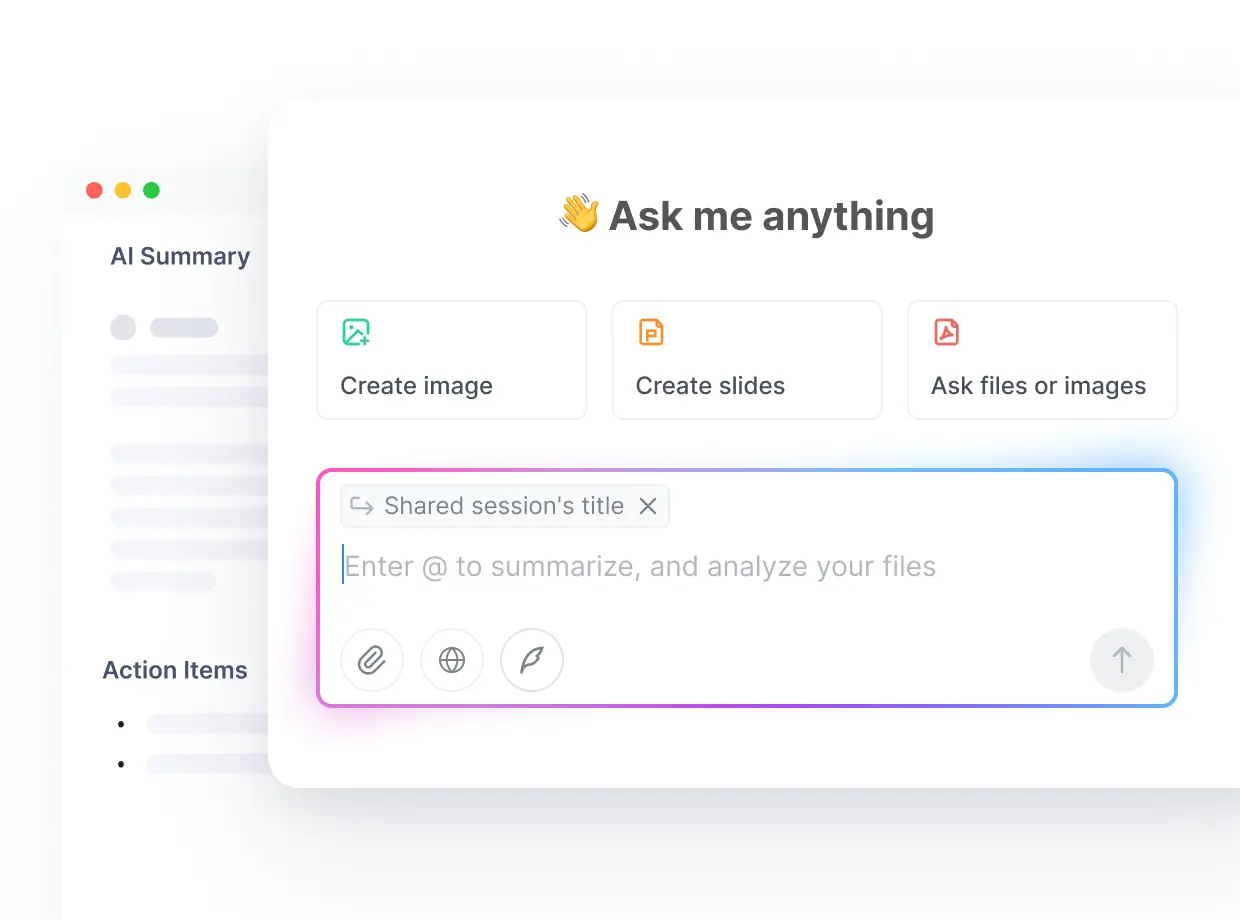
Granola works differently: nothing joins your meeting. It listens through your own computer’s audio, so your client never sees a bot in the participant list. Granola’s pricing page lists Basic free, with unlimited meetings and AI notes but only 30 days of history. Business is $14 per user a month, billed monthly with no annual discount, unlocking full history and integrations. For our team, Granola Business is $70 a month — but no recordings or playback.

MeetGeek — the budget pick that charges by the hour
Verdict: worth it on a tight budget — the cheapest way to get automation included.
MeetGeek prices by transcription hours, not meetings. MeetGeek’s pricing page lists Basic free with 3 hours a month, Pro at $15.99 a month or $9.99 annually with 20 hours a month and extra hours at $0.50 each, and Business at $27 or $17 annually with unlimited transcription. For our team, Pro on annual billing is $49.95 a month. Privacy: zero data training, EU or US storage, SOC 2, GDPR, HIPAA.
tl;dv — great clips, a free plan with a countdown
Verdict: worth it if you share clips; skip it if you want a free plan that lasts.
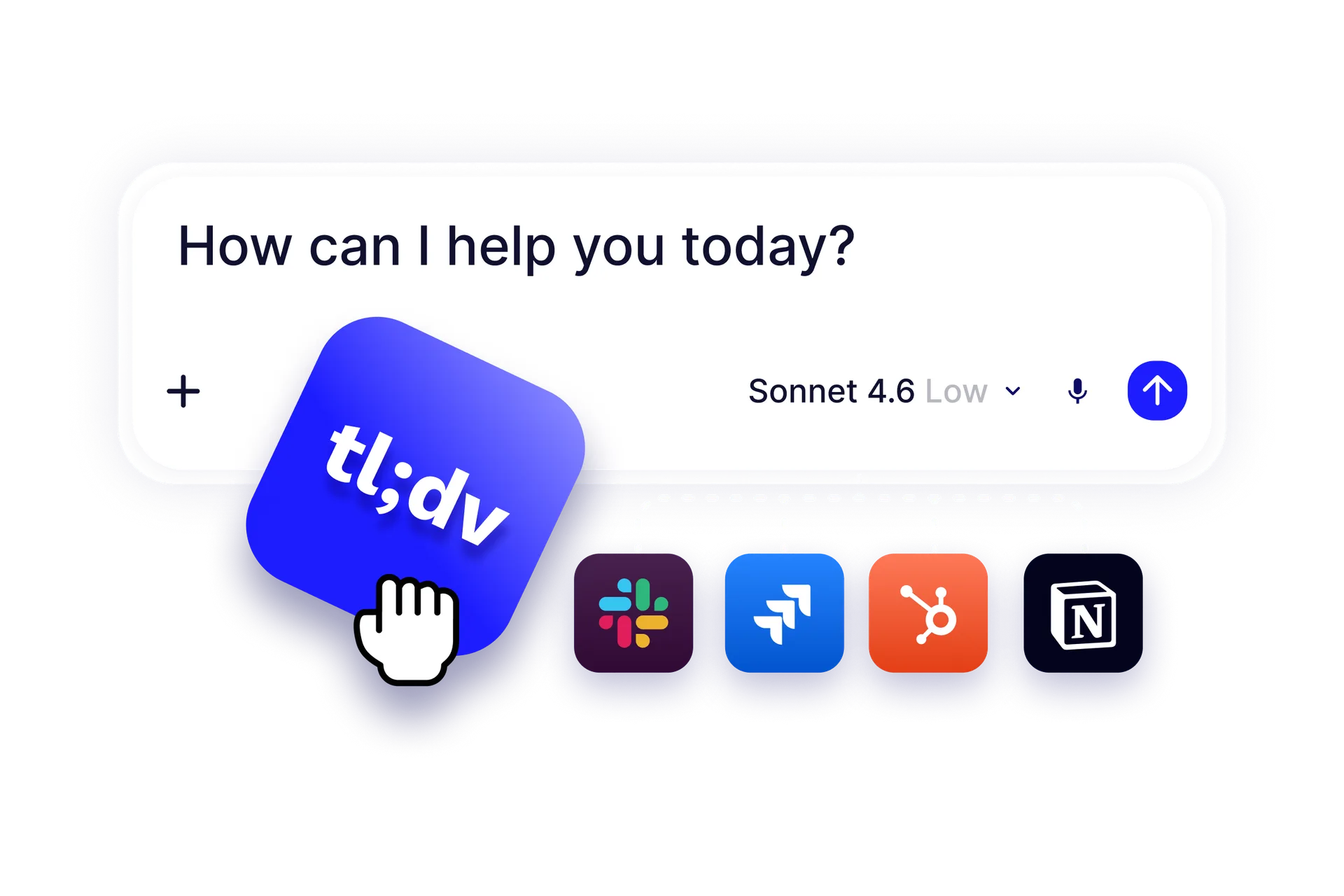
tl;dv is the clip machine of this group. It records in 100-plus languages and chops meetings into shareable clips. It’s EU-hosted, with GDPR and SOC 2 compliance on its pricing page. The free plan looks generous until the second line: unlimited recording, but AI notes on only 10 meetings — ever — and data kept 3 months. Pro is $29 a seat a month or $18 annually, with unlimited AI notes. For our team, Pro is $90 a month.
Avoma — good tool, wrong price bracket for most of us
Verdict: skip it unless you run a sales team and want coaching, not just notes.
Avoma is the most capable tool here: call scoring, coaching scorecards, deal-risk signals. Avoma’s pricing page lists Startup at $19 a recorder seat a month annually ($29 monthly), Organization at $29 annually ($39 monthly), and Enterprise at $39 annually only. No free plan — only a 14-day trial. The conversation intelligence is a $29-a-seat add-on; revenue intelligence is another $29. For our team, Startup is $95 a month; the version you’d actually want is $240 with one add-on.
What 10 hours of meetings a month actually bills
Five people, 10 hours each, on annual billing — cheapest plan that covers the workload:
| Tool | Plan that covers it | 5-person monthly bill | Per year |
|---|---|---|---|
| Fathom | Free | $0 | $0 |
| Otter.ai | Pro | $41.65 | $500 |
| MeetGeek | Pro | $49.95 | $599 |
| Fireflies.ai | Pro | $50.00 | $600 |
| Granola | Business | $70.00 | $840 |
| Fathom | Team | $75.00 | $900 |
| Notta | Business | $83.35 | $1,000 |
| tl;dv | Pro | $90.00 | $1,080 |
| Avoma | Startup | $95.00 | $1,140 |
Fathom Free at $0 is not a trick — recording really is unlimited. The gap between the cheapest and the most expensive honest option is about $100 a month, or $1,200 a year.
How accurate are these tools, really?
Short answer: close enough on clear audio, shaky on the details that matter — and nobody independent has tested all eight. The only published head-to-head with measured error rates I found comes from Junior.ai, a competing transcription tool, which ran public earnings-call audio through four tools and published the results on 19 October 2026. Their numbers: Fireflies 9.7% word error rate, Otter.ai 11.1%, Granola 23.7%. More useful is entity error — how often the tool gets names and figures wrong: Fireflies 71.5%, Otter.ai 58.2%, Granola 75.3%. Treat them carefully — Junior sells a rival product. The best speech-to-text engines score 2–5% word error on clean audio (Artificial Analysis, Oct 2026). Pick on price and privacy, not accuracy claims.
The privacy checklist (read this before your next client call)
Recording a meeting is a legal act. About a dozen US states — including California, Florida, Illinois, Pennsylvania and Washington — require every party’s consent. I’m not your lawyer, but this checklist helps.
- Announce it at the start of every call. “I’m recording this so I don’t miss anything — is that OK?” takes five seconds.
- Use bot-free capture for sensitive calls. Granola records from your own device — nothing joins the meeting.
- Check the training policy. Fireflies and MeetGeek state your meeting data isn’t used to train AI models. Granola lets you opt out. Otter trains on de-identified audio and transcripts. I couldn’t confirm Fathom’s position — read its privacy policy first.
- Set a retention rule. Fathom, Fireflies and Avoma let you control how long recordings are kept.
Turning notes into actual follow-ups
Notes that sit in an app are a tidier version of forgetting. The workflow that pays: the summary lands, action items go to their owners, the client gets a follow-up the same day, and the CRM updates without retyping. Fathom Business and Fireflies Pro both write meeting details into HubSpot or Salesforce. MeetGeek Pro hands the same job to Zapier, Make or n8n — see our guide to AI workflow automation tools for small business. If the meeting came from a booking link, close the loop with AI appointment scheduling software. For the rest of your stack, start with the best AI productivity tools for small business. We’re a small team writing from real use — our About page says so.
In person: Otter’s or Granola’s phone app, Notta’s $149 recorder, or upload a recording to Fireflies or Notta.
Which one should you pick?
- Spend $0: Fathom Free. Revisit in a month; you’ll know whether 5 advanced summaries is enough.
- Cheapest paid plan: Otter Pro at $41.65 a month for 5 people, if calls stay under 90 minutes.
- You sell and your CRM is your memory: Fireflies Pro at $50 a month.
- Your clients would hate a bot: Granola Business at $70 a month.
- You want automation included: MeetGeek Pro at $49.95 a month.
- You need 58 languages: Notta Pro at $8.17 a month, one person.
- You share clips constantly: tl;dv Pro at $90 a month.
- You run a sales floor and want coaching: Avoma — budget for the add-ons, not just the $19 headline.
My pick: Fathom Free for a month, then Team at $75 if it earns its keep.
Frequently asked questions
Will the bot join my client calls?
Yes, unless you pick a bot-free option. Fathom, Otter, Fireflies, Notta, MeetGeek, tl;dv and Avoma all send a visible bot into Zoom, Google Meet or Teams by default. Granola never sends one.
Which AI meeting notes tool is free for unlimited meetings?
Fathom: unlimited recordings, transcription and storage at $0. Granola’s free plan has unlimited meetings but only 30 days of history.
Is it legal to record meetings with AI?
It depends on where everyone on the call is. About a dozen US states require all parties to consent, including California, Florida, Illinois, Pennsylvania and Washington. Get clear consent first — this article isn’t legal advice.
Do these tools work for in-person meetings?
Yes, with the right tool. Otter and Granola record from a phone app, Notta sells a $149 pocket recorder, and Fireflies and Notta accept uploaded audio.
Which AI meeting notes tool is best for a small team of 5?
Fathom — free to start, then Team at $75 a month on annual billing. Cheapest paid: Otter Pro at $41.65 a month. If you sell and live in a CRM, Fireflies Pro at $50 a month fits better.
Can AI meeting notes sync to my CRM?
Yes — on the right plan: Fathom on Business, Fireflies on Pro and above, Avoma from Startup, Notta on Business.
Enjoying ToolsBizAI guides?
Add us as a Preferred Source on Google — you'll see our latest tools and guides first in Search, Top Stories, and AI Overviews.
Get One Useful AI Tool Tip Every Week
One practical AI tool tip in your inbox every week. No spam, unsubscribe anytime.

We’re the team behind ToolsBizAI. We hands-on test AI tools for small businesses — signing up for free plans, taking real screenshots, and fact-checking every claim before publishing. Our guides cover marketing, customer support, and day-to-day operations.