Updated: November 13, 2026
Your customers ask the same five questions all day. Your team asks the same ten. Every answer lives in somebody’s head or a Google Doc nobody can find. AI knowledge base software for small business fixes that: a searchable library of your own answers — returns policies, price lists, how-to guides — with an AI that reads it and replies to customers and staff in plain language, citing the source, so the same question gets the same right answer every time. I opened seven tools and graded their AI against the same four real customer questions.
TL;DR
- Best overall: Help Scout. Free plan, customer-facing help center, AI answers at $0.75 per resolution.
- Best free start: Notion. Free for a solo owner — but full AI costs $20 per person, and it answers your team, not customers.
- Best internal AI docs: Slite. $10 per person; verification workflows stop docs going stale.
- Cheapest paid: Slab. Free for up to 10 people; AI answers on the $12.50 plan.
- Skip Guru. It dropped self-serve pricing — quote-only, platform-plus-consultants now.
- The split that matters: only three of the seven answer your customers. The other four answer your team.
In this guide: the split, how I tested, seven tools, an AI answer test, cost tables, migration, privacy, build-vs-buy, picks, and an FAQ.
What is AI knowledge base software, really?
An AI knowledge base is a tool you feed with your own documents — returns policies, price lists, how-to guides — that answers plain-language questions using only what you uploaded, with a link back to the source passage. It comes in two shapes.
Customer-facing knowledge bases live on your website as a help center: a customer types “can I return these shoes?” and gets an answer from your docs. Help Scout, Document360, and Helpjuice do this — and if you want AI that chats with customers, our best AI chatbots for small business guide covers that side. Internal knowledge bases live inside your team: a new hire asks “what’s our refund process?” and the AI pulls the answer from your handbook. Notion, Slite, Slab, and Confluence do this. That split decides the purchase: if customers keep emailing the same questions, an internal wiki won’t help.
How we tested
I opened every tool’s official website and pricing page on November 13, 2026, and verified each price, free-tier limit, and AI feature from the vendor’s own pages. I ran no paid trials and no free-plan signups, so nothing here claims a trial that didn’t happen. I graded each tool’s AI against the same four real customer questions using the vendor’s documentation, demos, and published examples: can it answer a customer, does it cite sources, does it hand off to a human? Prices are US list prices, annual billing, before tax. (Who we are: see our About Us page.)

The 7 tools, one by one
1. Help Scout — best overall
Verdict: worth it. If you answer customer emails and want fewer of them, start here.
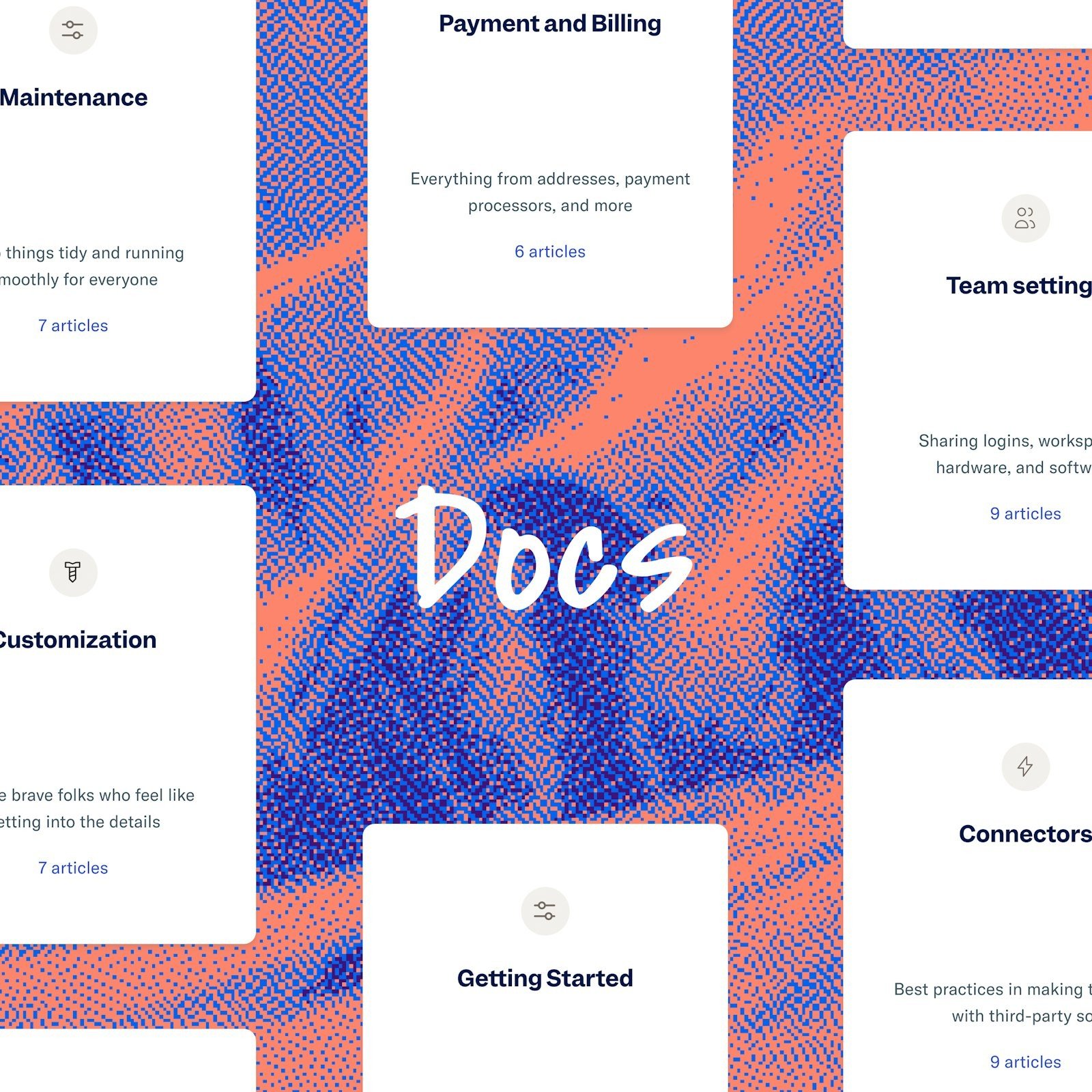
Help Scout bundles a shared inbox with Docs, its knowledge base, and Envoy, its AI assistant. A customer hits your help center, Envoy reads your Docs articles and website, and answers in plain language, citing the source. When it can’t answer, it hands off to a human instead of guessing. If you need a full helpdesk too, our AI helpdesk software for small business guide covers the inbox side.
The free plan covers 5 users, one inbox, and one Docs site with 10 articles. Standard is $25 per user per month, Plus $45, Pro $75. Envoy costs $0.75 per resolution — three months free, with a monthly spending cap. Five people on Standard plus Envoy: $125 a month plus usage. Cheapest customer-facing AI here.
2. Notion — best free start (for your team, not your customers)
Verdict: worth it as your internal wiki; skip it for a customer help center.
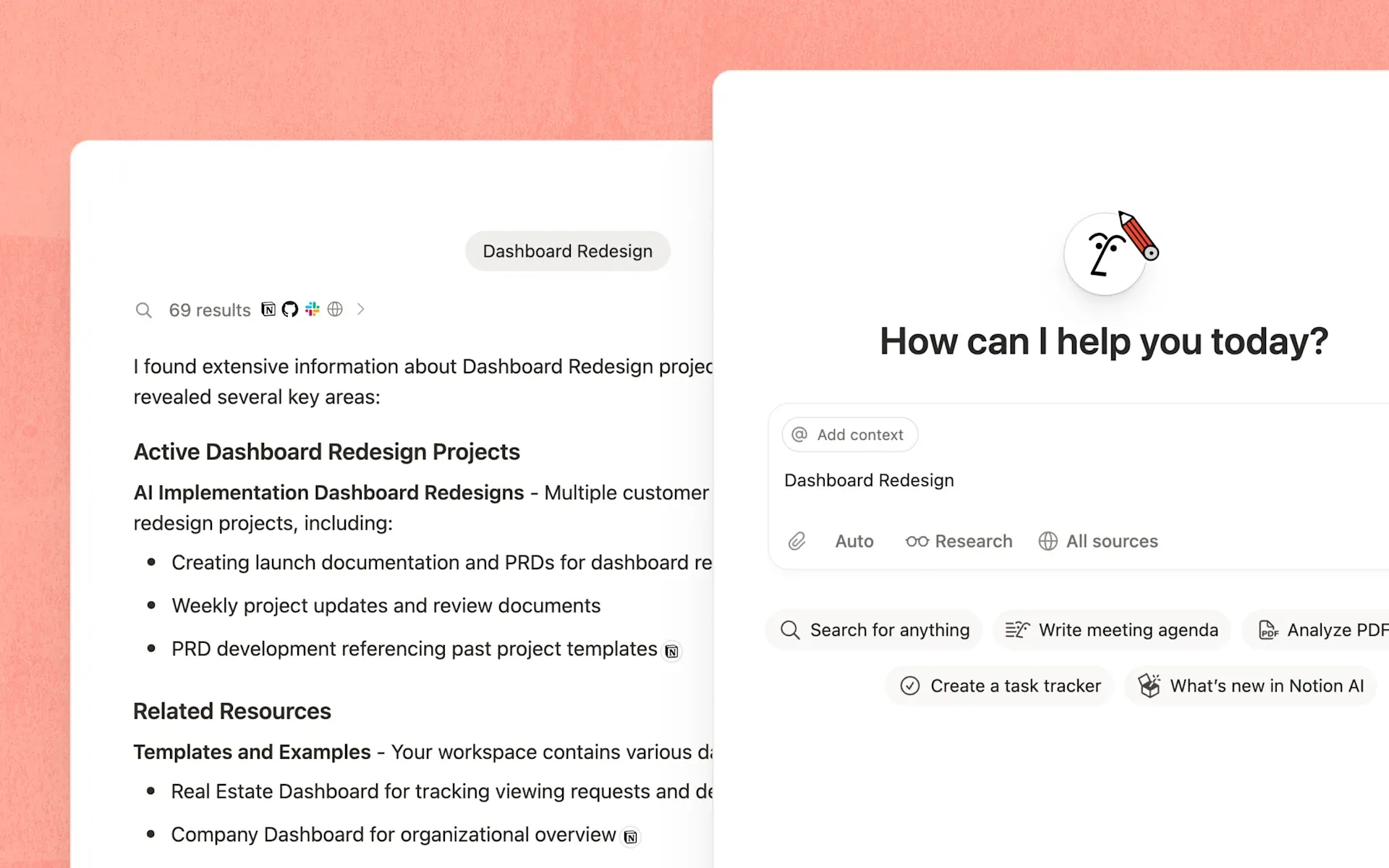
Most small businesses I know have a Notion workspace half-built — that’s its strength. Docs, tracker, and AI live in one place. Notion AI searches your workspace, drafts from your pages, and answers with citations.
The trap: AI gating. Free is $0 — unlimited blocks solo, limited blocks for a second member, AI trial only. Plus is $10 per member per month billed annually, but AI stays trial-only. Full Notion AI unlocks on Business at $20 per member per month, and since October 2026 it runs on monthly credits. Five people: $100 a month for the AI version. And the honest limit: no customer-facing chatbot. It answers your staff — never your customers at midnight.
3. Slite — best internal AI docs
Verdict: worth it if stale docs are your actual problem.
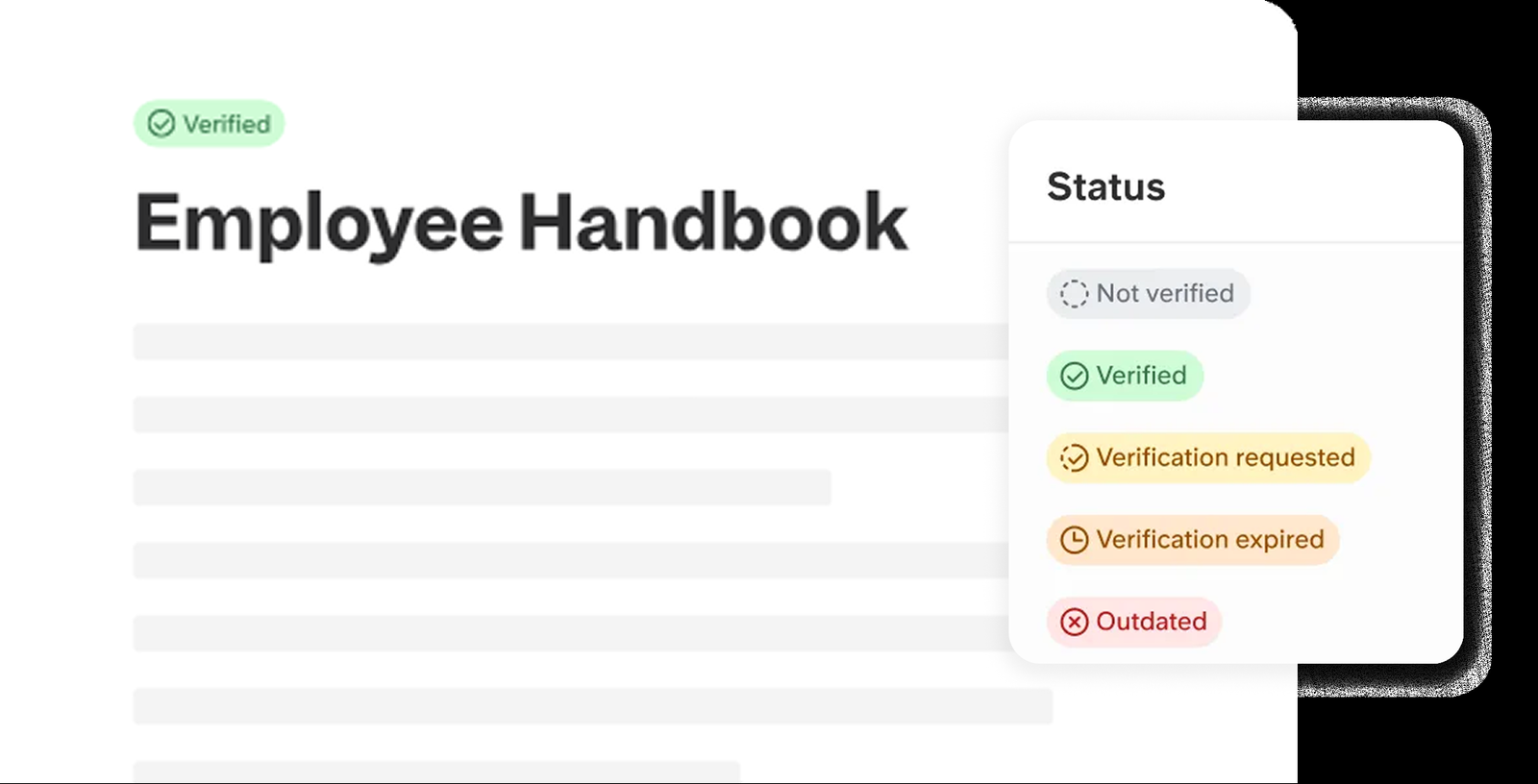
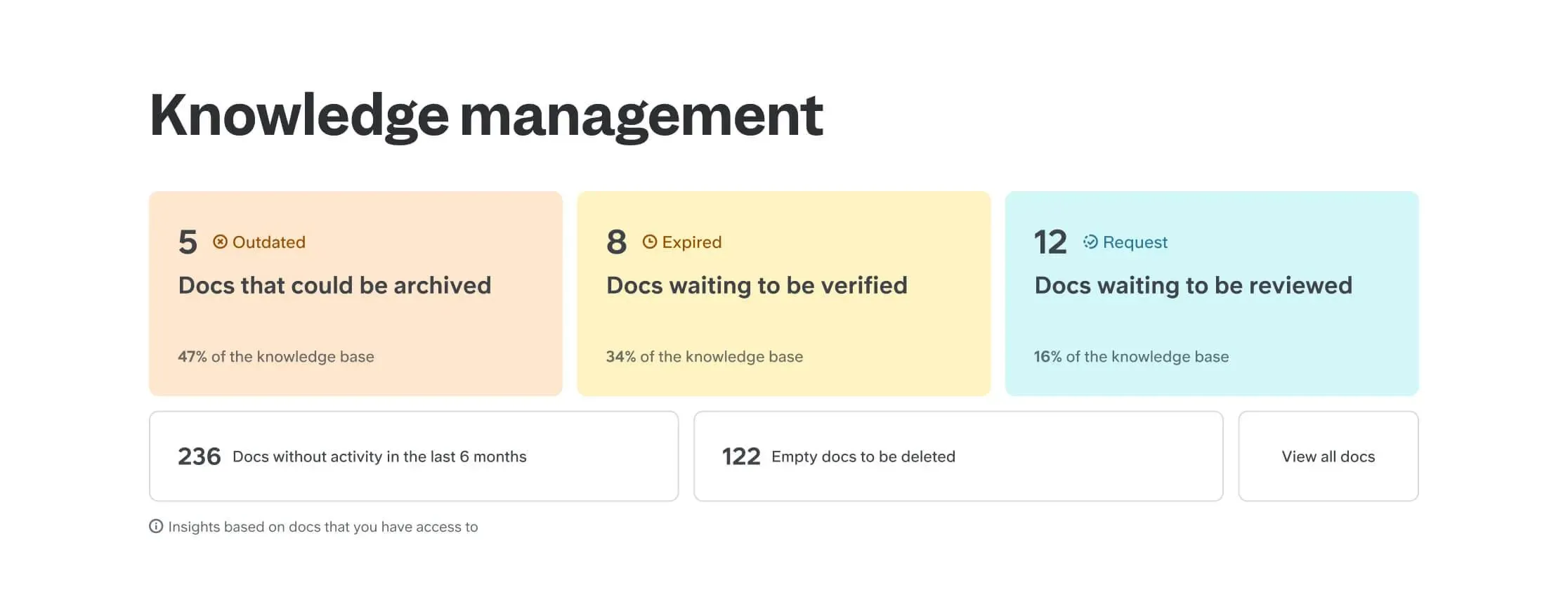
Slite stops a knowledge base rotting. Every doc gets a verification status — verified, expired, outdated — and owners get nudged to re-check on a schedule. The Knowledge Management Panel shows it all in one place. For a team whose handbook was last true in 2024, that matters.
Ask, Slite’s AI, answers questions from your docs and on Pro from connected tools and inside Slack. Basic is $10 per member per month with 30 AI questions per seat per month. Pro is $20 with 50 agent credits per seat, custom assistants and doc fact-checking. No free plan — 14-day trial, no card. The caps are real: five people on Basic get 150 AI questions a month.
4. Slab — cheapest paid option
Verdict: worth it if you want a free internal wiki today and AI later.
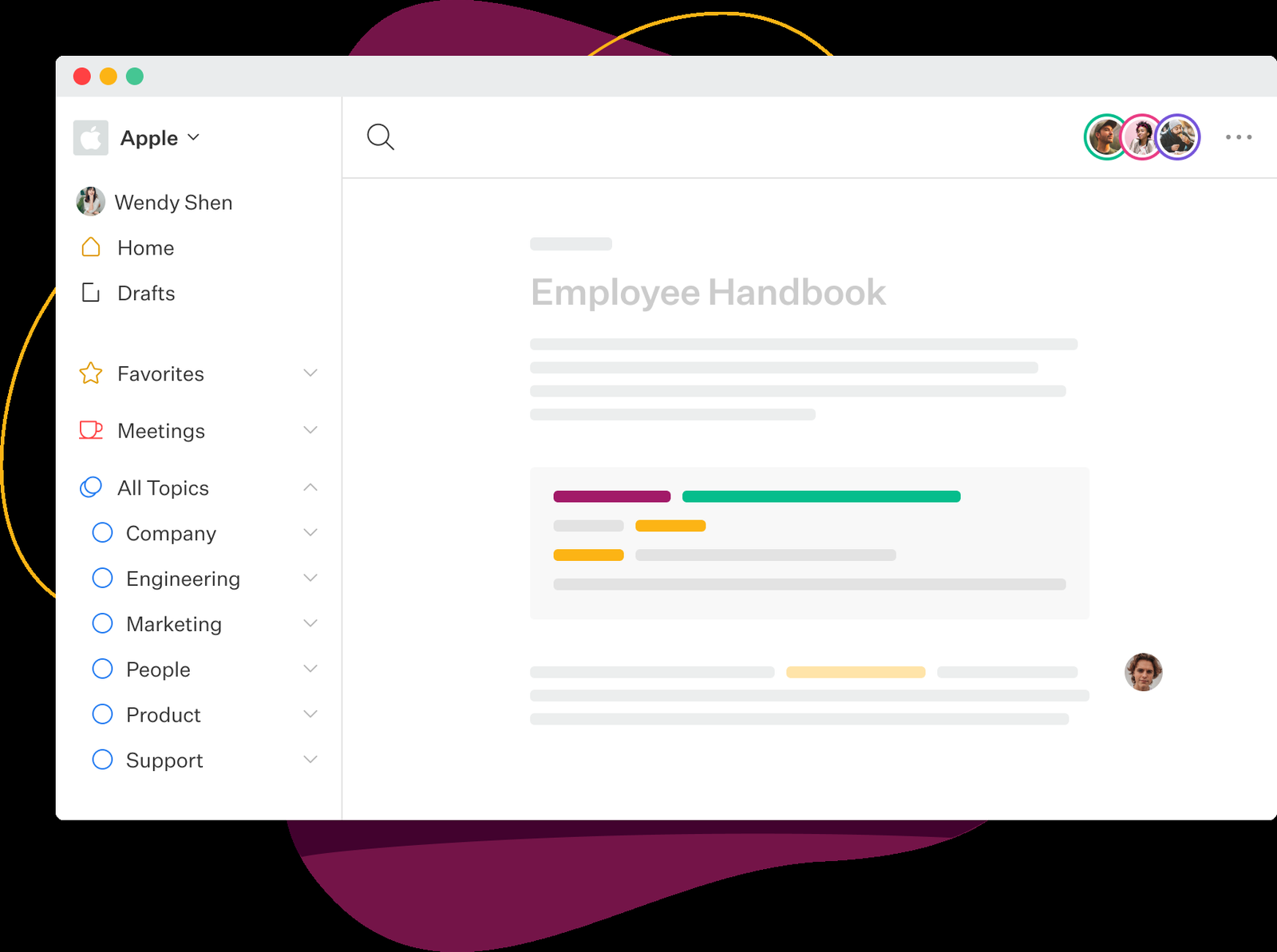
Slab is free for up to 10 users, forever — unlimited posts and topics, unified search, templates, verification. The catch is the AI ladder: the free plan has no AI. Startup ($6.67 per user per month) adds AI Autofix; AI Ask — the part that answers questions — only arrives on Business ($12.50).
So for five people: $0 now, $33.35 a month for nicer docs, $62.50 for the AI that answers questions. Still the cheapest AI tier here, and search covers your connected tools too. Budget $0? Start on the free plan this week.
5. Document360 — best for documentation at scale
Verdict: worth it for docs-heavy teams with budget; skip it if you need a price on the website.
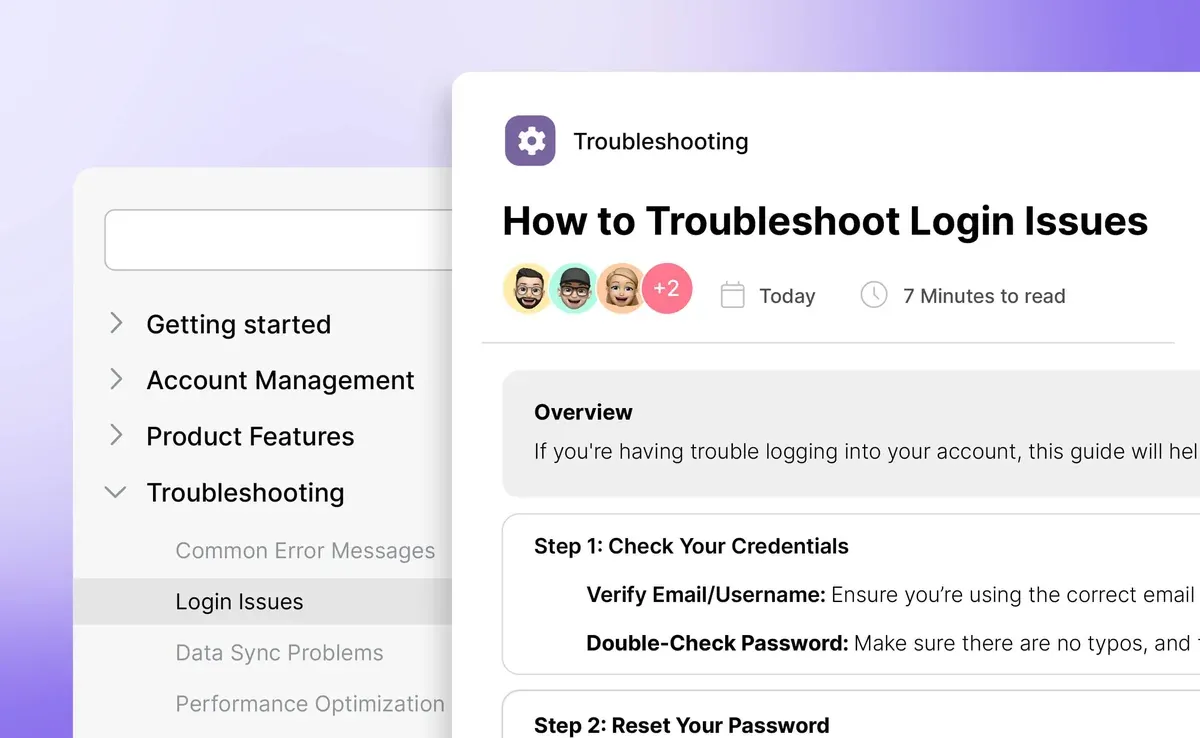
Document360 is the only tool here built purely for documentation: Markdown and WYSIWYG editing, version history, approvals, glossaries, translation. Eddy, its AI, writes drafts, answers questions from your docs, and — via an MCP server — feeds your governed content to other AI tools. The AI chatbot add-on pulls answers from your KB, website, files, and Zendesk or Freshdesk tickets.
The problem: no published price anymore. Document360 moved to quote-only pricing — quotes depend on accounts, workspaces, languages, and AI usage. No free tier. You book a call, they scope you, and their team migrates your Google Docs, Confluence, SharePoint, or PDFs. If you publish hundreds of articles with SOC 2 Type II, GDPR, and ISO 27001 compliance, it’s the serious pick. A five-person shop with forty articles doesn’t need the sales call.
6. Helpjuice — best dedicated customer knowledge base
Verdict: worth it only if your help center is a real business asset; too pricey for a side project.
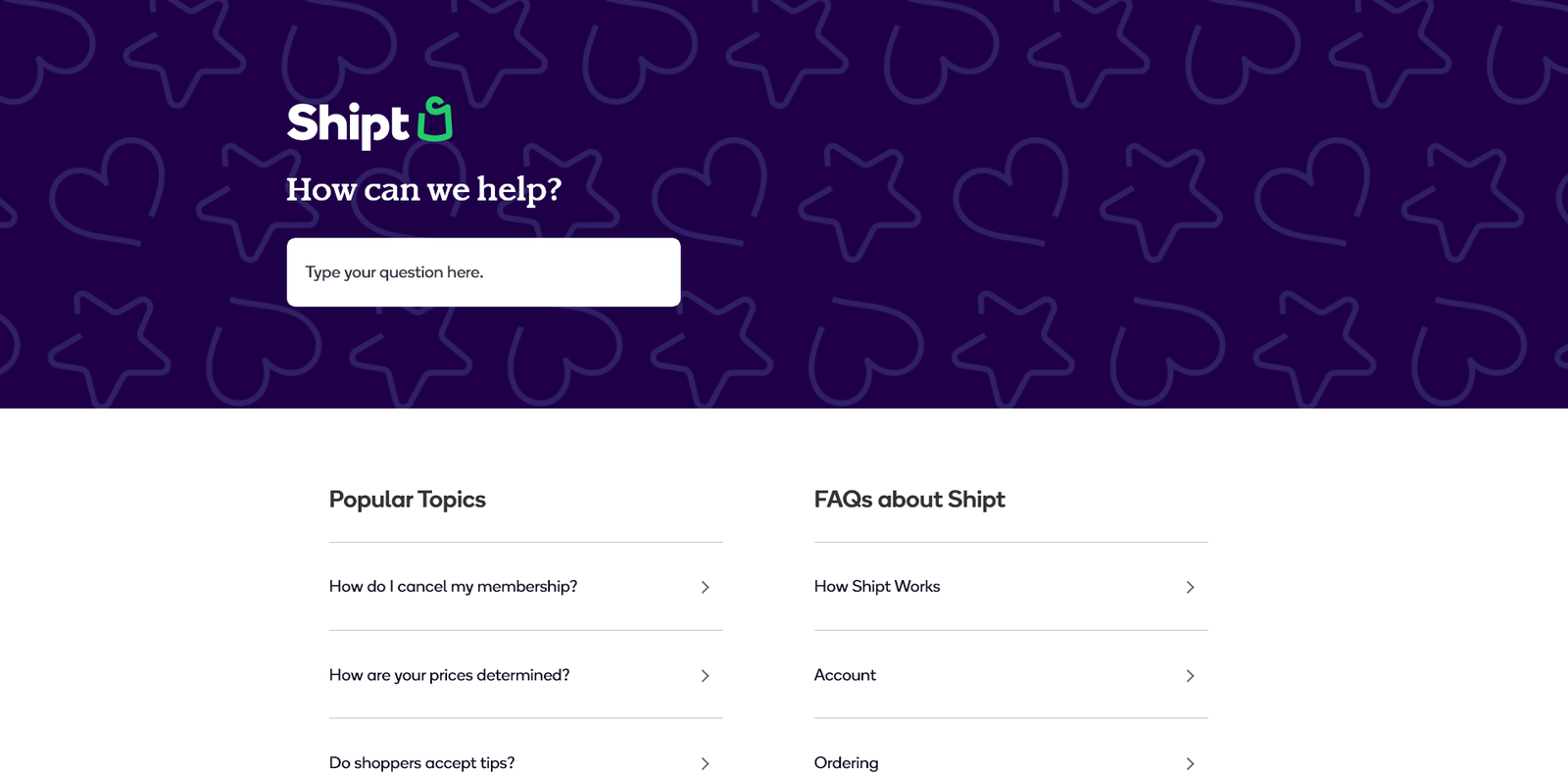
Helpjuice does one job — public, customer-facing knowledge bases — with polish. The team hand-designs your help center, so it looks like part of your brand. The AI Suite (AI Writer, AI Search, AI chatbot, a Chrome extension that keeps answers fresh, and a tutorial builder) is genuinely useful, and 1-click migration plus free support makes moving in painless.
The price: $249 a month for up to 30 users — and the AI Suite isn’t included there. The AI chatbot needs the $449-a-month plan (up to 100 users); top tier is $799. There’s a 14-day free trial, no free plan. It earns $449 if your help center is core to how customers judge you. For a bakery or a lawn-care company, it’s $200 a month more than the same answers elsewhere.
7. Confluence — best if you’re already on Jira
Verdict: worth it only inside the Atlassian world; skip it as a standalone KB buy.
Confluence is the wiki half of Atlassian’s stack, now really an AI workspace. Rovo, Atlassian’s AI, searches across your connected tools and answers questions with context from your pages, threads, and meetings — and via the Rovo MCP server, your content can feed Claude or ChatGPT too. If your team already lives in Jira, it’s the obvious handbook: same login, same permissions, same search.
The free plan covers 10 users with 2GB of storage. Standard is $5.78 per user per month with 25 Rovo credits per user per month; Premium is $11.16 with 70 credits and a 99.9% uptime SLA. Five people: $28.90 or $55.80 a month — cheap, AI included rather than bolted on. But standalone, you’ll feel the enterprise weight: setup assumes an admin, the best features assume Jira, and there’s no customer-facing help center — Rovo answers your team, never your customers.
The AI answer test: same four questions, every tool
Four questions a real small business hears weekly, scored from each tool’s docs and demos — capability scores, not measured accuracy. (1) “Can I return shoes I bought 45 days ago?” (2) “Do you deliver on Sundays?” (3) “How much is the basic lawn-care plan per month?” (4) “My order arrived damaged — what should I do?”
| Tool | Answers customers? | Score |
|---|---|---|
| Help Scout (Envoy) | Yes | 9/10 |
| Document360 (AI chatbot) | Yes | 8/10 |
| Helpjuice (AI chatbot) | Yes | 8/10 |
| Notion AI | No | 7/10* |
| Slite (Ask) | No | 7/10* |
| Slab (AI Ask) | No | 6/10* |
| Confluence (Rovo) | No | 7/10* |
Internal tools are scored on answering staff. Every tool here cites its sources, and the three customer-facing tools all hand off to a human when stuck.
Free tiers and true monthly cost (5-person team)
| Tool | Free tier | 5 people / month |
|---|---|---|
| Help Scout | Yes | $125 + Envoy $0.75/resolution |
| Notion | Yes | $100 (Business) |
| Slite | No — 14-day trial | $50 (Basic) |
| Slab | Yes | $62.50 (Business) |
| Document360 | No — quote only | Quote |
| Helpjuice | No — 14-day trial | $449 (AI Suite plan) |
| Confluence | Yes | $28.90 (Standard) |
Moving your docs in: how much work is it?
Document360 and Helpjuice do it for you — Document360 migrates from Google Docs, Confluence, SharePoint, and PDFs; Helpjuice offers 1-click migration plus free support. Notion, Slite, Slab, and Confluence give you importers. First, delete the duplicate returns policies — contradictions make the AI confidently wrong.

What happens to your data when the AI answers?
When a customer asks your AI a question, your docs pass through a model. Notion won’t train on your data unless you opt in. Document360 is SOC 2 Type II, GDPR-ready, ISO 27001. Slite is SOC 2 Type II and HIPAA-compliant with a BAA. Help Scout is SOC 2, GDPR and CCPA compliant, HIPAA on Plus/Pro; its AI Answers run on OpenAI with 30-day retention for abuse monitoring. Helpjuice states GDPR readiness. Slab publishes no SOC 2 claim I could verify — check before putting customer data in it. Never put passwords, payment details, or health information in a knowledge base.
Build it yourself, or buy one?
If all you need is asking your own PDFs questions, NotebookLM does it free — or self-host with RAGFlow if you have a technical person. Buying adds a public help center, search analytics, and a human handoff.
Which one should you pick?
- Solo owner, tight budget: Notion Free for internal docs; Help Scout Free (10 articles) for customer answers.
- Small team answering customers: Help Scout Standard + Envoy — the cheapest customer-facing AI here.
- Stale internal docs: Slite Basic. The verification workflow is the feature.
- Help center is the brand: Helpjuice at $449 — only if the docs genuinely drive revenue.
- Docs-heavy product: Document360. Get the quote first.
- Already paying for Jira: Confluence Standard — don’t buy a second wiki. For live chat alongside the KB, see our best AI live chat software for small business guide.
One more thing: OpenAI launched Businesses in ChatGPT in beta on November 10, 2026 — a Business Hub showing verified businesses how often ChatGPT mentions them and how many people click through. The answers ChatGPT gives about your business come from somewhere, and for most small businesses that somewhere is their own help docs. A tidy knowledge base is now also your AI search presence.
Frequently asked questions
What is the best AI knowledge base software for small business?
Help Scout for most — free plan, customer-facing help center, AI answers at $0.75 per resolution. For internal docs, Slite or Slab’s free plan.
Is there a free AI knowledge base software?
Yes — Help Scout, Notion, Slab, and Confluence have free plans. But free plans cap articles or limit AI.
Can AI knowledge base software answer my customers automatically?
Only Help Scout (Envoy), Document360 (AI chatbot), and Helpjuice (AI chatbot). Notion, Slite, Slab, and Confluence answer your staff, not your customers.
How much does AI knowledge base software cost?
From $0 on a free plan to $449 a month for Helpjuice’s AI tier. For five people, $29–$125 a month, plus $0.75 per resolution on Help Scout.
Will the AI make up answers?
It can — that’s why citations matter. Keep your docs current: the AI is only as honest as the docs you feed it.
Enjoying ToolsBizAI guides?
Add us as a Preferred Source on Google — you'll see our latest tools and guides first in Search, Top Stories, and AI Overviews.
Get One Useful AI Tool Tip Every Week
One practical AI tool tip in your inbox every week. No spam, unsubscribe anytime.

We’re the team behind ToolsBizAI. We hands-on test AI tools for small businesses — signing up for free plans, taking real screenshots, and fact-checking every claim before publishing. Our guides cover marketing, customer support, and day-to-day operations.